New National Research on the Impact of Transportation Consistency

EverDriven VIP App Support

Get Access, Set Up Your Account, and Start Tracking With Confidence

Navigating parenthood is full of challenges, and keeping track of your children’s transportation shouldn’t be one of them. Whether you’re requesting access for the first time or having trouble logging in, we’re here to help. Follow the steps below to get started, verify your access, and begin tracking your child’s rides.

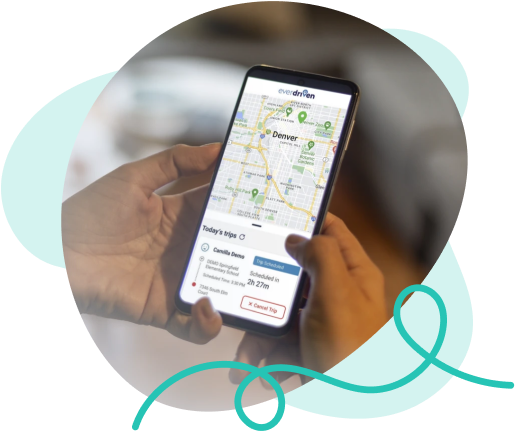
Person using the EverDriven VIP app for real-time student transportation tracking while driving

How To Get the App

Frequently Asked Questions

How do I get access to EverDriven VIP?

First, request access to the app. When you request access, we confirm your identity and that the school district has approved your access to ensure that only authorized adults can track a child’s location

Download the app on Google Play or the Apple App Store

Once your request for access is approved, you will receive an email from EverDriven instructing you to create an account. If you didn’t get the email, create your account here. Use the email address the school district has on file. That is the only email address approved for use

If you have requested access to the app and downloaded the app, make sure you’re using the email address the school district has on file. The school district provides EverDriven with your email address and it’s the only email address you can use to access the app

Call us at 877-225-7750

Still Have Questions?